Support Line: +90 212 383 32 32

 TR
TR
 EN
EN
 RU
RU
 UZ
UZ


Account
Cart
Go go top




Product Description
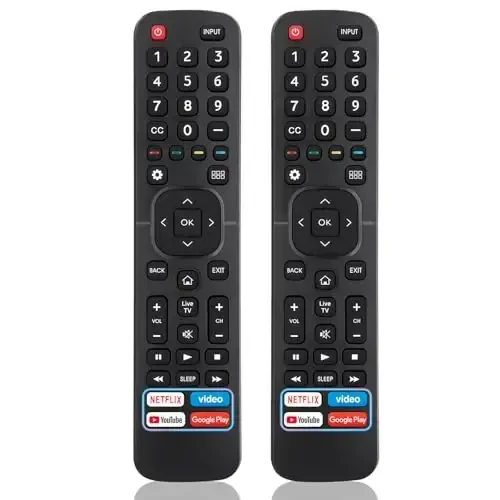
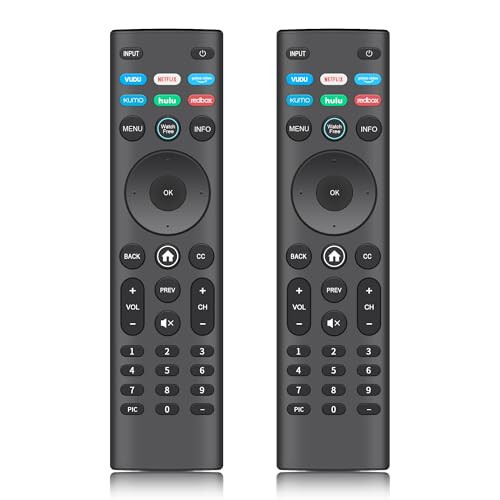
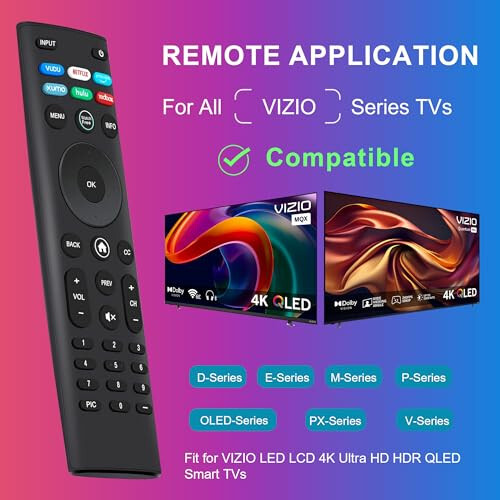
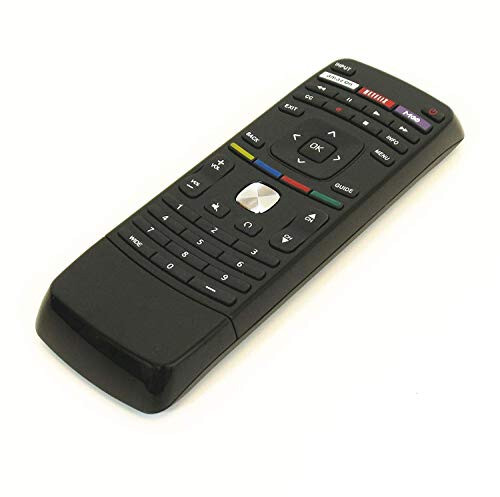
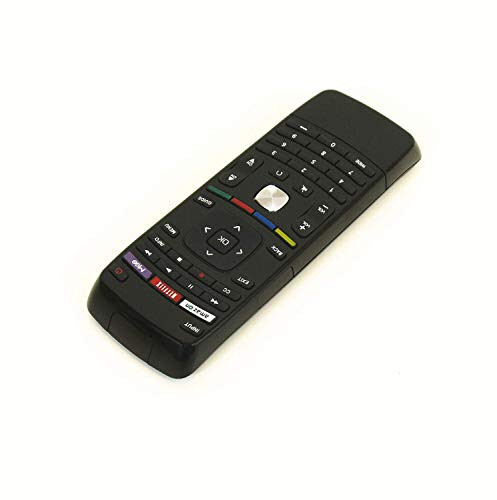
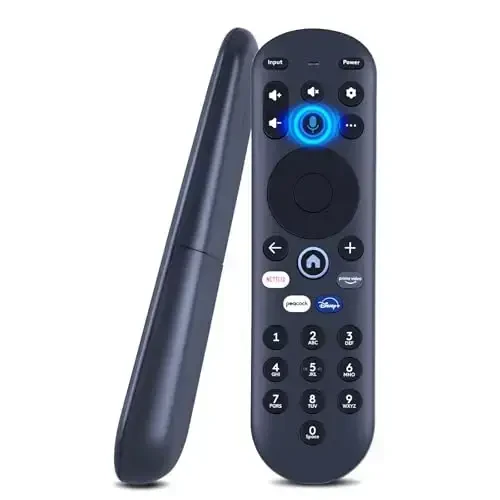
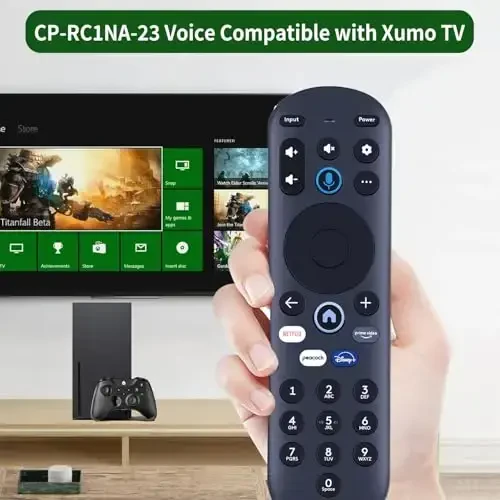
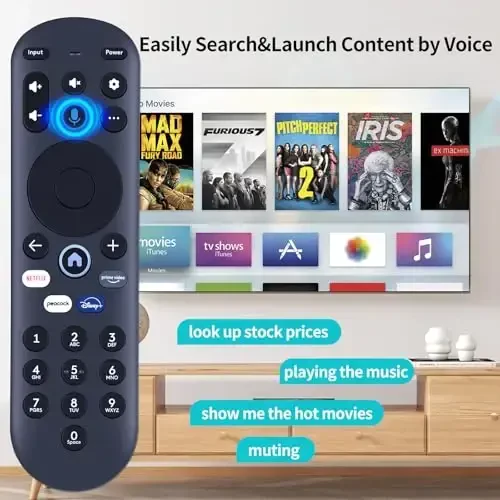
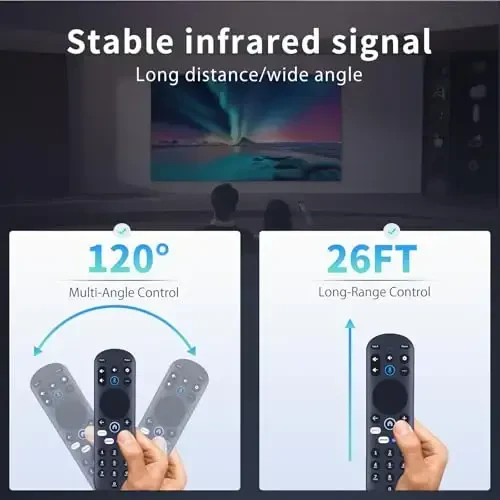
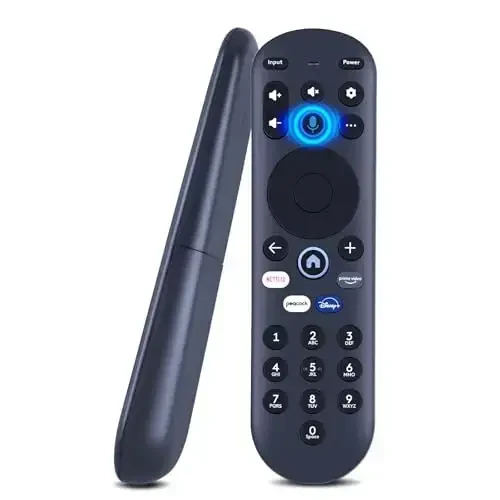
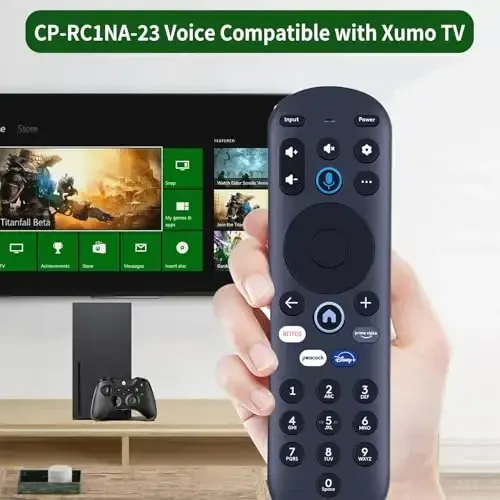
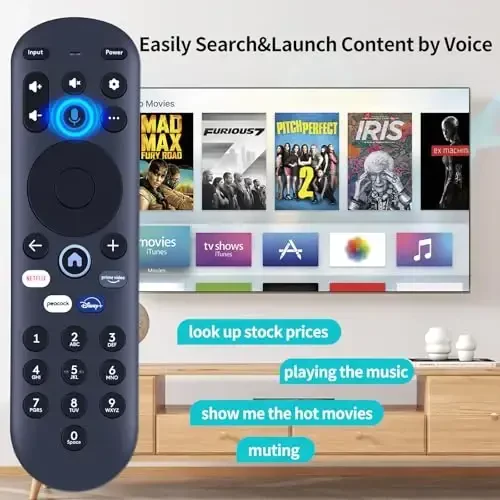
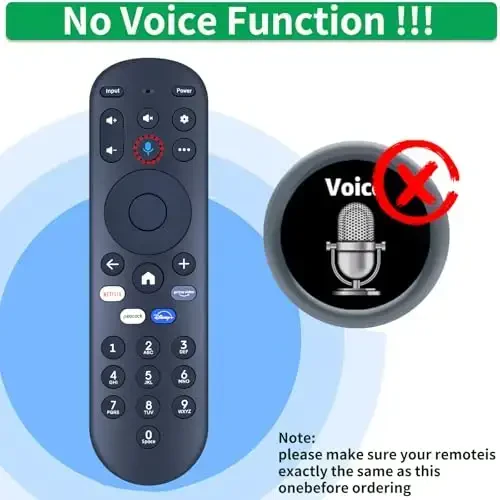
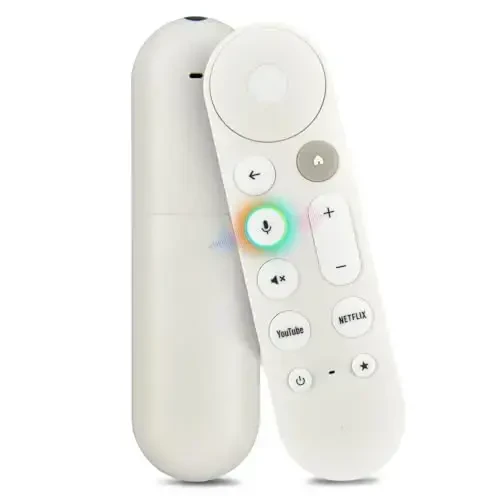
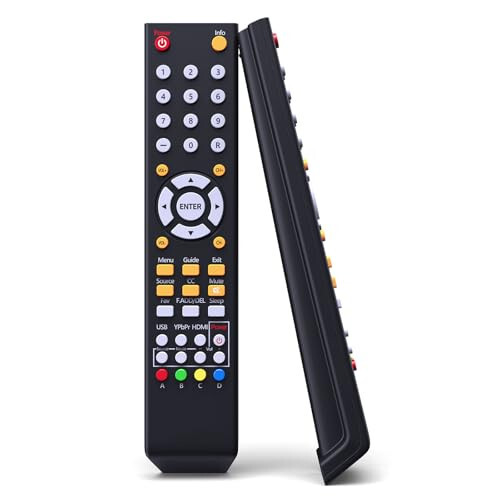
RETROSUN Replacement Voice Remote Control for Pioneer Xumo TV is a high-performance replacement remote specifically designed for your Pioneer Xumo televisions. Fully compatible with model numbers CP-RC1NA-23, PN43-751-24U, PN50-751-24U, PN55-751-24U, and PN65-751-24U, this remote offers all the features of your original remote without any compromises. Thanks to the voice control feature, accessing the content you're looking for or changing your TV's settings is now much easier. With its user-friendly design and easy setup, the RETROSUN replacement remote will take your television experience to the next level. Whether you want to change channels, adjust the volume, or access your favorite apps, this remote is always at your side. Produced with RETROSUN quality, this replacement remote is long-lasting and durable. Moreover, it is a perfect alternative to your lost or broken original remote. It seamlessly pairs with your Pioneer Xumo television and provides you with an uninterrupted user experience. Don't let your television enjoyment be interrupted with the RETROSUN Replacement Voice Remote Control. You can start using it immediately with easy pairing steps, and quickly access the content you're looking for with the voice control feature. This remote is not just a replacement part, but also a tool that enriches your television experience. Offered with RETROSUN assurance, this product is the best choice for your Pioneer Xumo television. With its advanced features and user-friendly design, the RETROSUN replacement remote redefines home entertainment. Now, browsing between channels, searching for a movie or series is much more practical and enjoyable. Maximize your television experience with RETROSUN. Remember, the RETROSUN Replacement Voice Remote Control will be an indispensable part of your Pioneer Xumo television.
Product Features
Additional Information
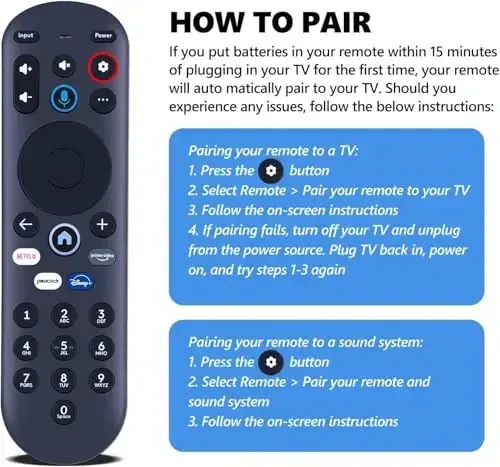
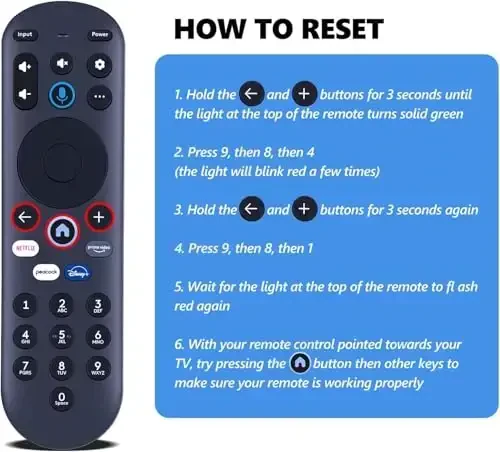
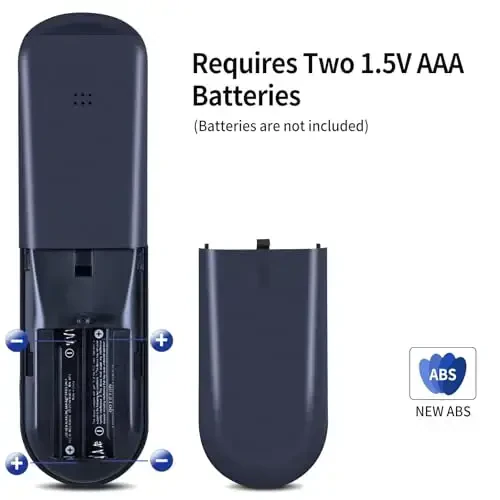
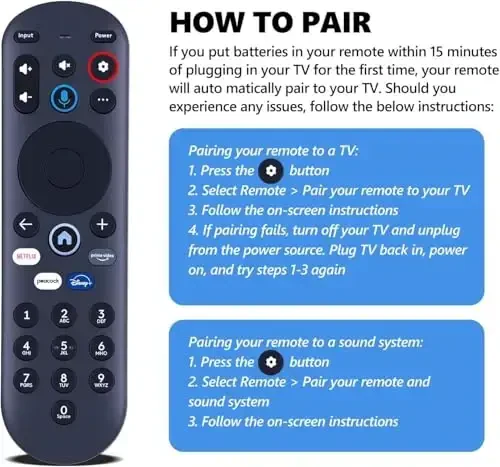
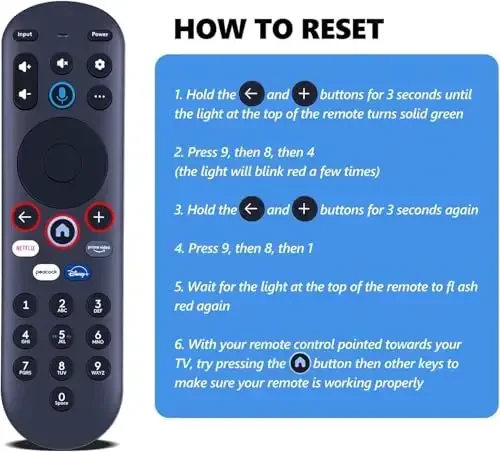
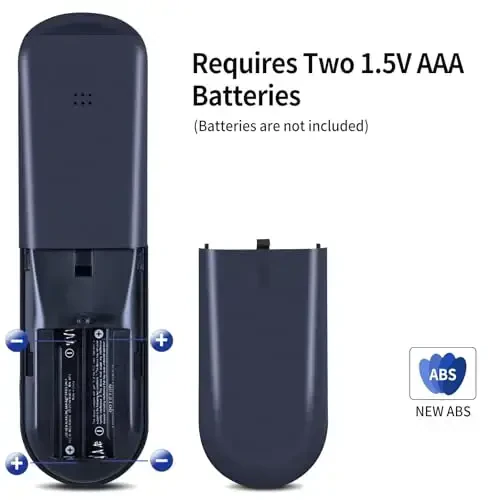
You need to pair the remote with your TV before using it. Pairing steps: 1) Press the SETTINGS button. 2) Select 'Remote Control > Pair your remote to your TV'. 3) Follow the on-screen instructions. (Tips: If pairing fails, turn off your TV and unplug it from the power source. Plug the TV back in, turn it on, and try steps 1-3 again.) Pairing with Sound System: 1) Press the SETTINGS button. 2) Select 'Remote Control > Pair your remote and sound system'. 3) Follow the on-screen instructions. Resetting the Remote Control: 1) Press and hold the ← and + buttons for 3 seconds until the light on top of the remote turns solid green. 2) Press 9, then 8, then 4 (the light will flash red a few times). 3) Press and hold the ← and + buttons again for 3 seconds. 4) Press 9, then 8, then 1. 5) Wait for the light on top of the remote to flash red again. 6) Point the remote at your TV and try pressing the HOME button and then other keys to make sure your remote is working properly. Package Contents: 1 * Voice Remote Control and User Manual (2 AAA Batteries Not Included).
 RETROSUN

 100% Original Product
 100% Secure Payment
 Return Possibility Within 14 Days
 Delivery in 7-10 Business Days
 Similar products
Similar to this product!
Similar products
Similar to this product!
 Complete Your Combination
Kombinatsiyalangan mahsulotlarni ko'ring!
Complete Your Combination
Kombinatsiyalangan mahsulotlarni ko'ring!
 Product Reviews
See the comments!
Product Reviews
See the comments!




 Whatsapp Support
 Telegram Support
 Size Chart