Support Line: +90 212 383 32 32

 TR
TR
 EN
EN
 RU
RU
 UZ
UZ


Account
Cart
Go go top



Product Description
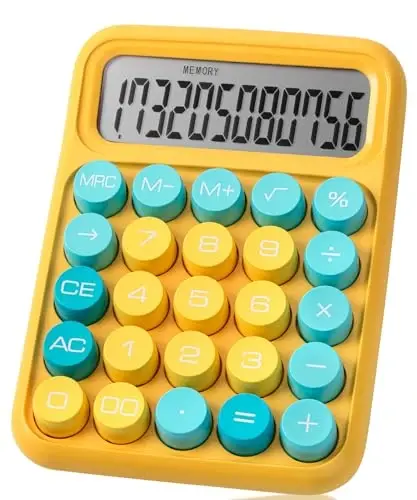
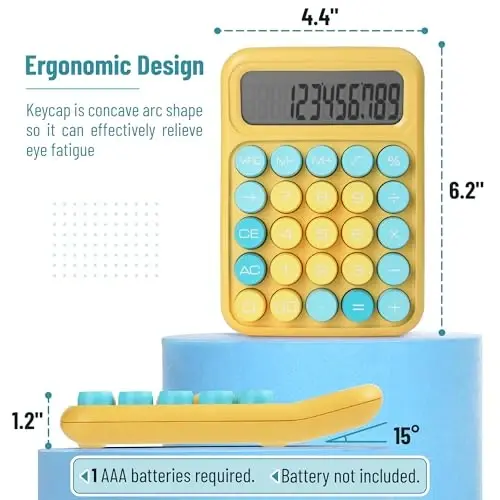
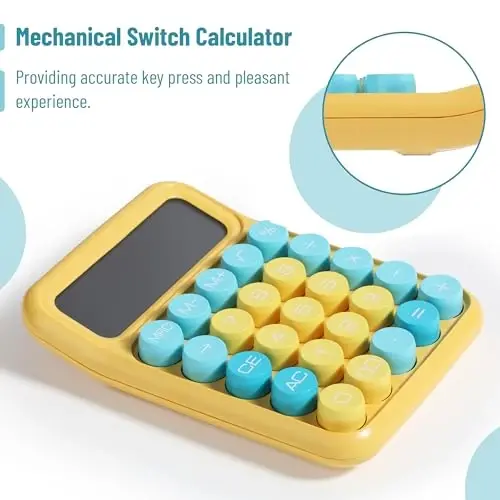
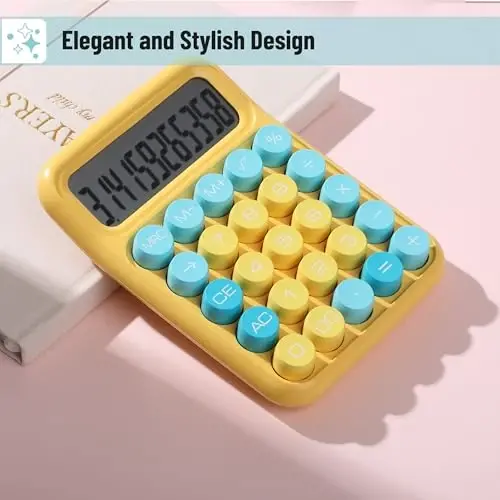
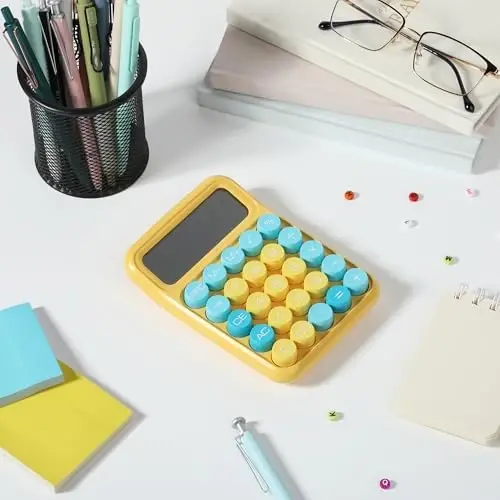
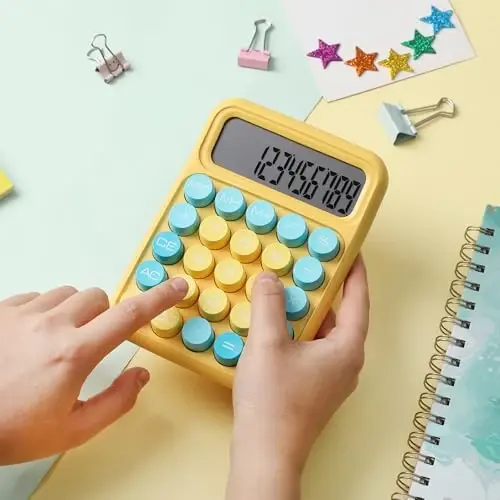
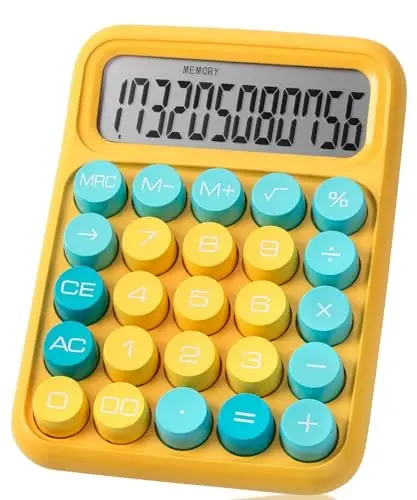
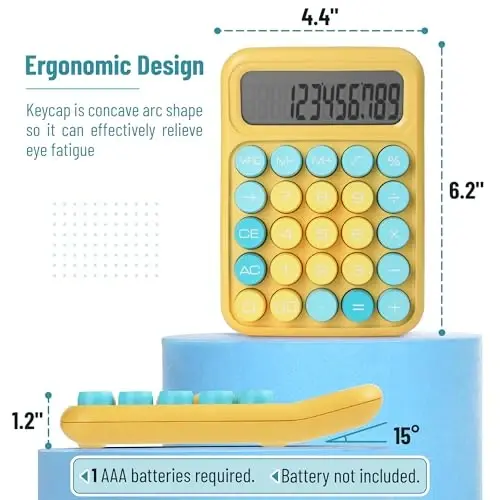
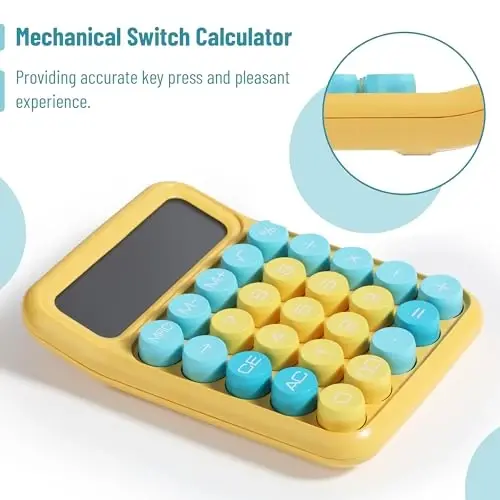
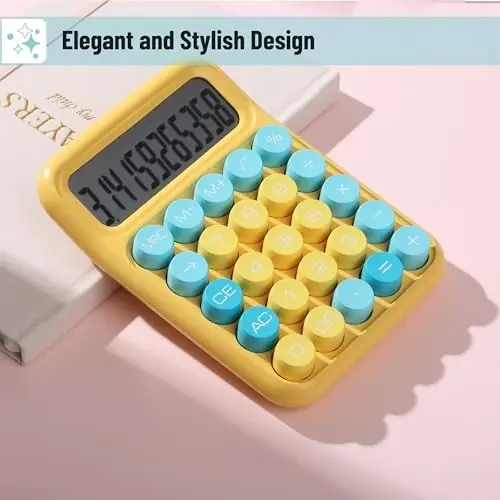
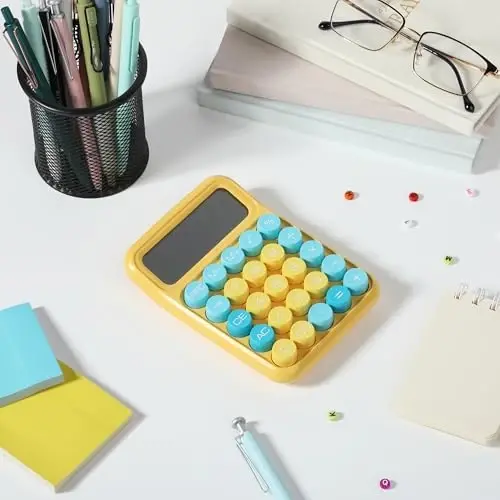
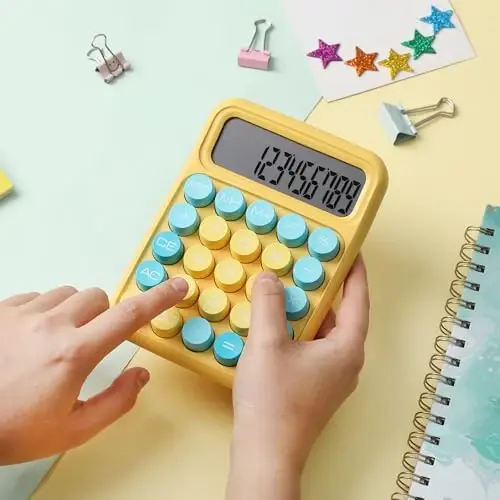
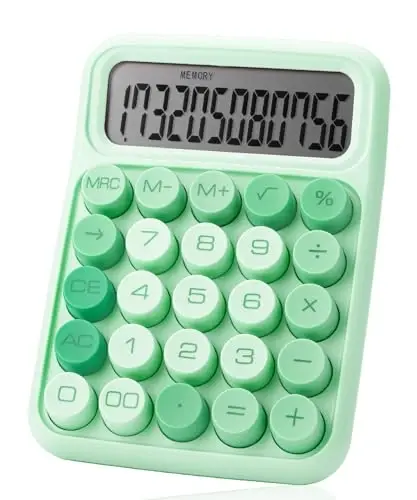
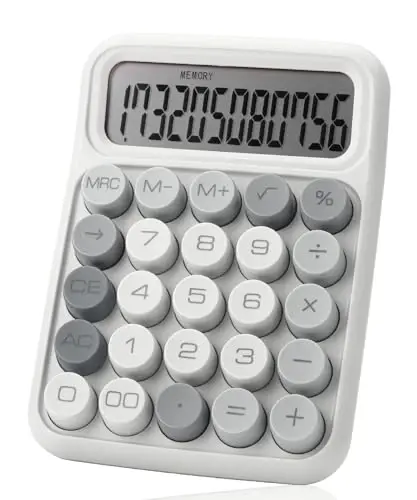
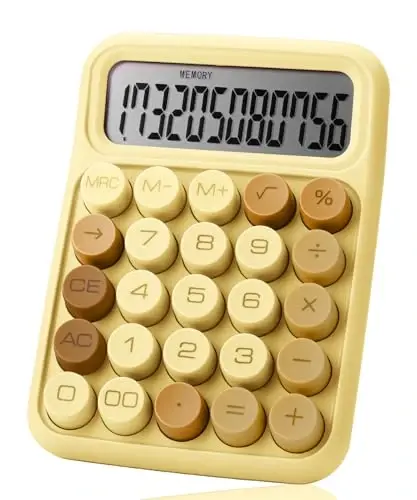
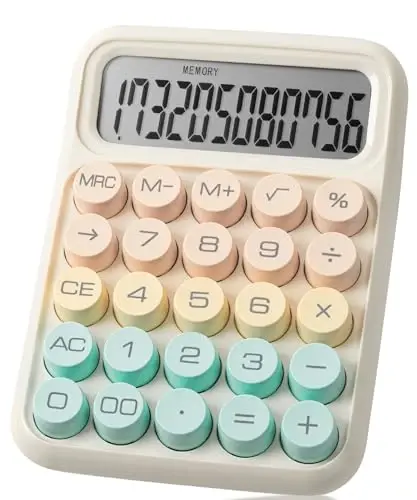
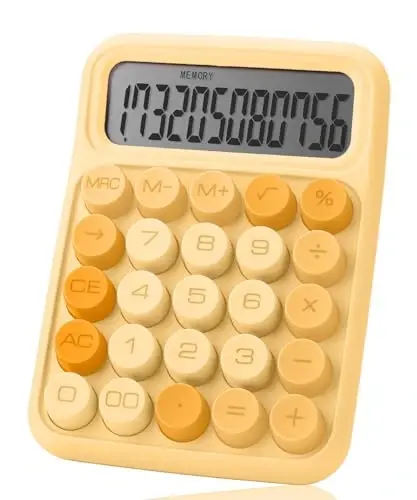
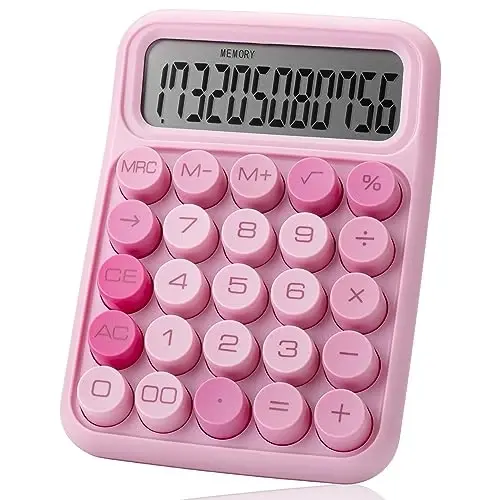
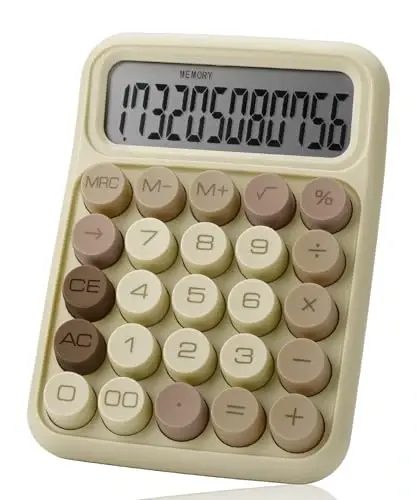
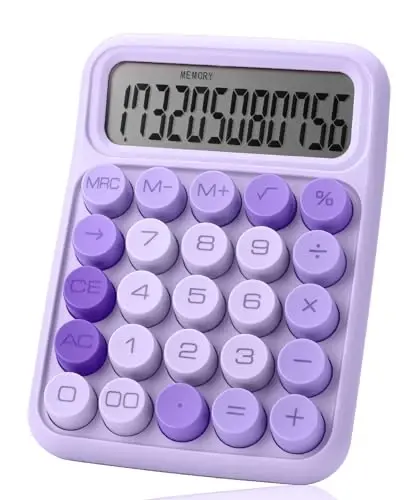
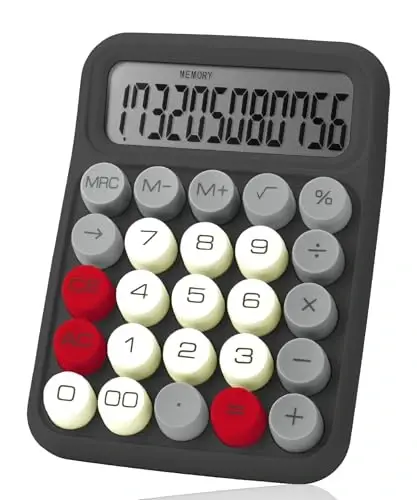
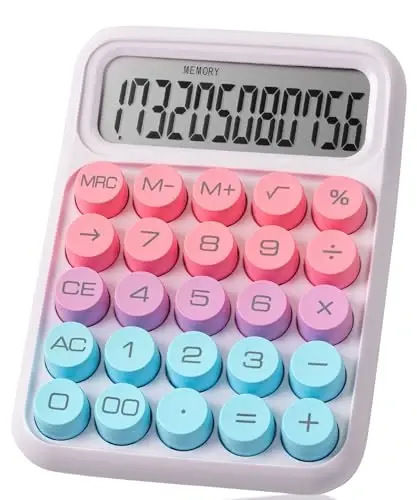
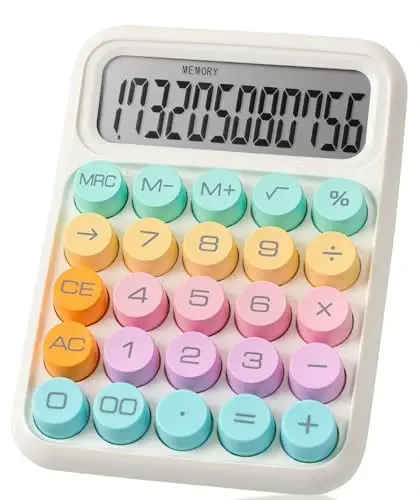
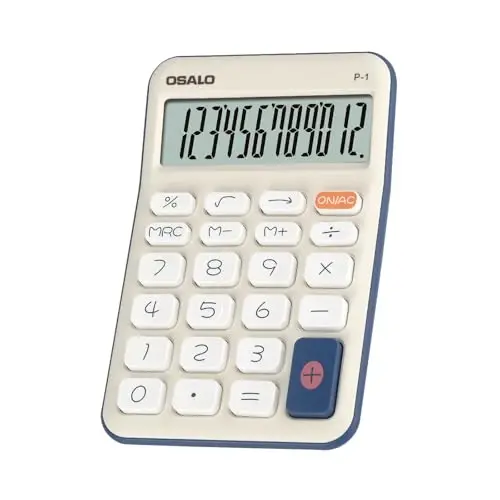
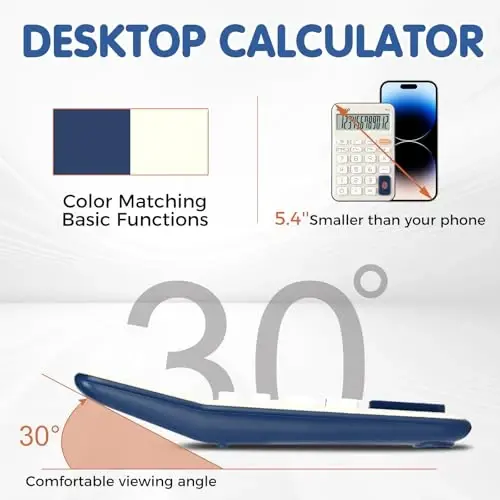
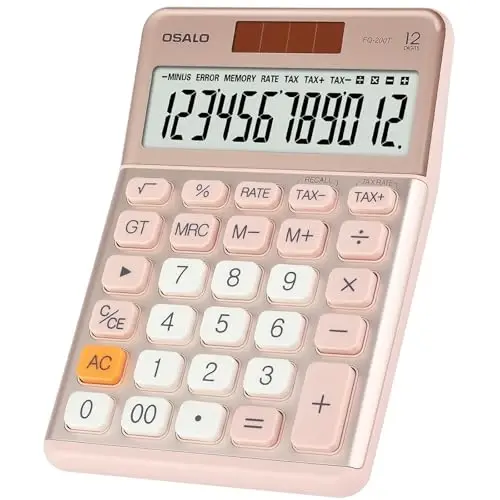
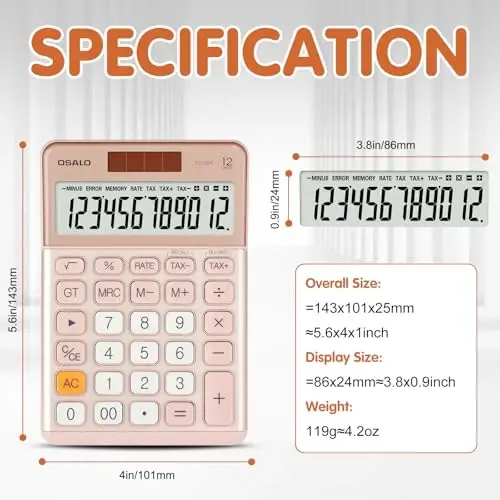
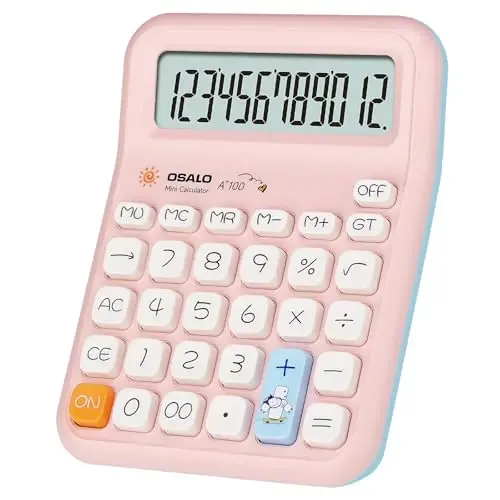
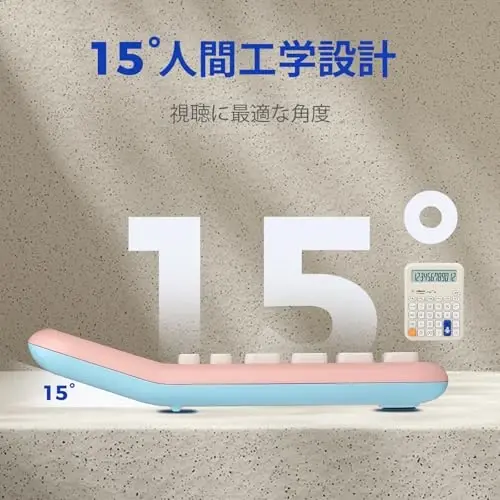
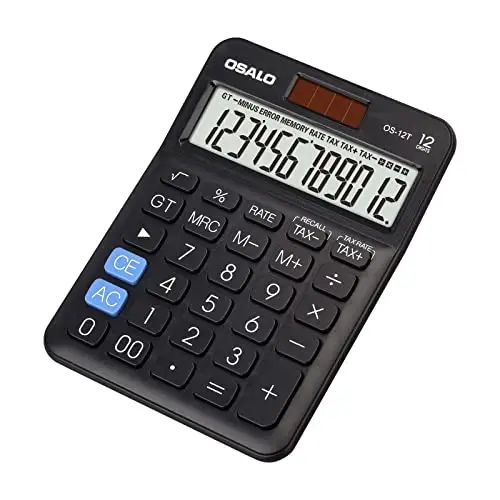
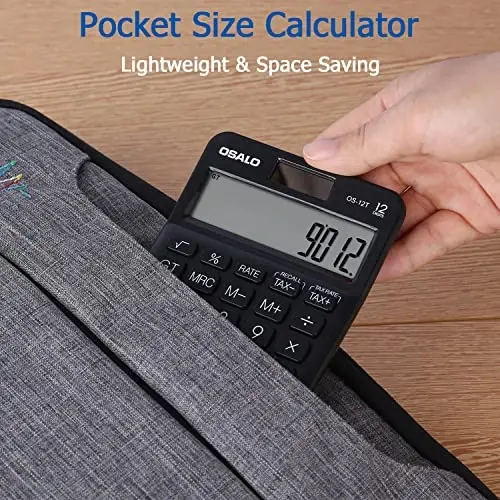
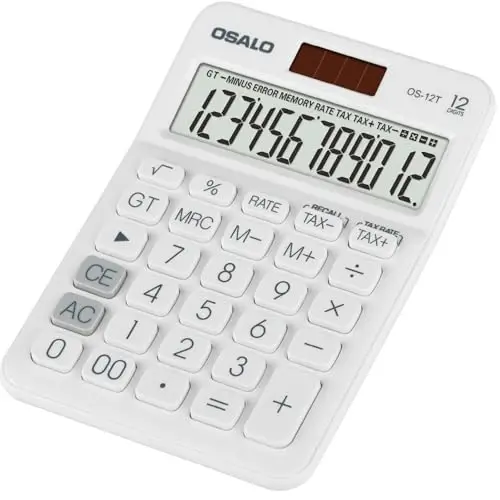
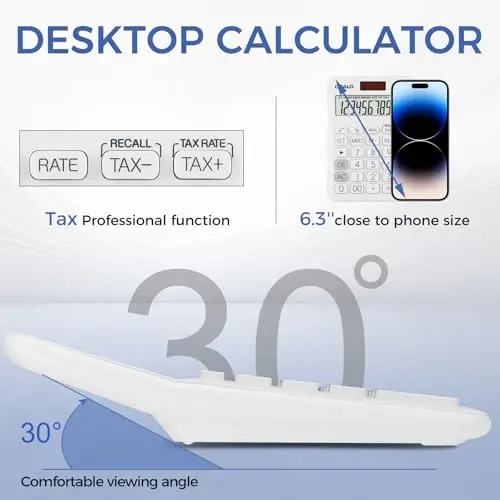
Mr. Pen Mechanical Key Calculator is designed to make your calculation experience both functional and enjoyable. Thanks to its 12-digit capacity, you can easily manage even complex operations and get precise and accurate results. Its large LCD screen presents numbers clearly and legibly, allowing you to instantly see your data entries and results. This feature reduces eye strain and increases efficiency, especially when performing long and complex calculations. What sets Mr. Pen calculator apart from others is its mechanical keys. Unlike the membrane keys used in traditional calculators, this model provides a distinct click sound and satisfying tactile feedback each time a key is pressed. This makes the calculation process more interactive and enjoyable, while also minimizing incorrect keystrokes. Its round and colorful keys offer an aesthetically pleasing appearance while also providing ease of use. The placement of the keys is ergonomically designed for fast and accurate data entry. Ideal for professionals and students, the Mr. Pen calculator also stands out with its lightweight and portable design. You can easily use it at home, school, or in the office. It doesn't take up much space in your bag or on your desk, so you can always have it with you. It operates on a single AAA battery (not included), making it extremely economical and easy to use. To conserve battery life, it automatically turns off after 10 minutes of inactivity. This feature prevents unnecessary battery drain and ensures your calculator lasts longer. Mr. Pen Mechanical Key Calculator is not just a calculator, but also serves as a stylish accessory on your desk. It allows you to reflect your style while doing your daily calculations. Suitable for use in office, school, and home environments.
Product Features
Additional Information
Mr. Pen Mechanical Key Calculator is made of high-quality materials and is designed to be long-lasting. To ensure you can use your product for a longer time, it is recommended to pay attention to the correct polarity when changing the battery and remove the battery when not in use. You can use a slightly damp cloth for cleaning. Avoid using chemical cleaners. A user manual is included in the product packaging. If you experience any problems during the warranty period, please contact our customer service.
 MR. PEN

 100% Original Product
 100% Secure Payment
 Return Possibility Within 14 Days
 Delivery in 7-10 Business Days
 Similar products
Similar to this product!
Similar products
Similar to this product!
 Complete Your Combination
Kombinatsiyalangan mahsulotlarni ko'ring!
Complete Your Combination
Kombinatsiyalangan mahsulotlarni ko'ring!
 Product Reviews
See the comments!
Product Reviews
See the comments!
 Whatsapp Support
 Telegram Support
 Size Chart

![Smartish® iPhone 16 Pro MagSafe Case with Crossbody Lanyard Strap - Gripmunk - [Slim + Protective] Magnetic Slim Case with Universal Detachable Shoulder Neck Strap - Black Tie Affair - SMARTISH](https://witcdn.modazone.co/smartish-iphone-16-pro-magsafe-case-with-crossbody-lanyard-strap-gripmunk-slim-protective-magnetic-slim-case-with-universal-detachable-shoulder-neck-strap-black-tie-affair-1451593-phone-case-smartish-3775594-42-K.webp)
![Smartish® iPhone 16 Pro MagSafe Case with Crossbody Lanyard Strap - Gripmunk - [Slim + Protective] Magnetic Slim Case with Universal Detachable Shoulder Neck Strap - Black Tie Affair - SMARTISH (1)](https://witcdn.modazone.co/smartish-iphone-16-pro-magsafe-case-with-crossbody-lanyard-strap-gripmunk-slim-protective-magnetic-slim-case-with-universal-detachable-shoulder-neck-strap-black-tie-affair-1451593-phone-case-smartish-3775595-42-K.webp)