Müşteri Destek Hattı: +90 212 383 32 32

 TR
TR
 EN
EN
 RU
RU
 UZ
UZ


Hesabım
Sepetim
Yukarı Çık



Ürün Açıklaması
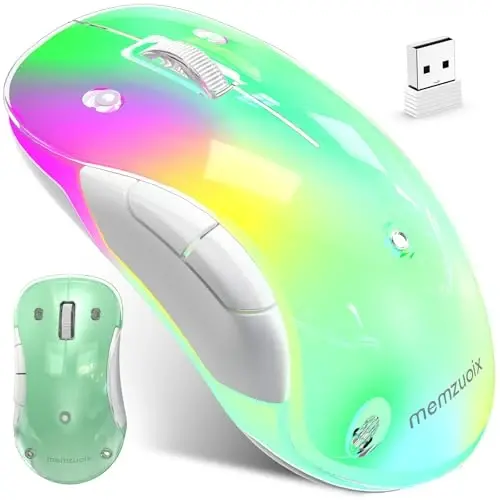
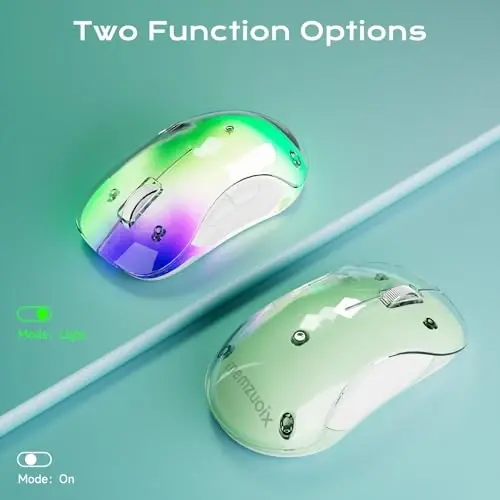
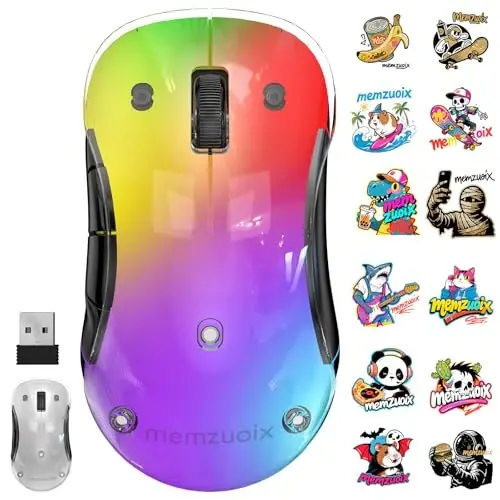
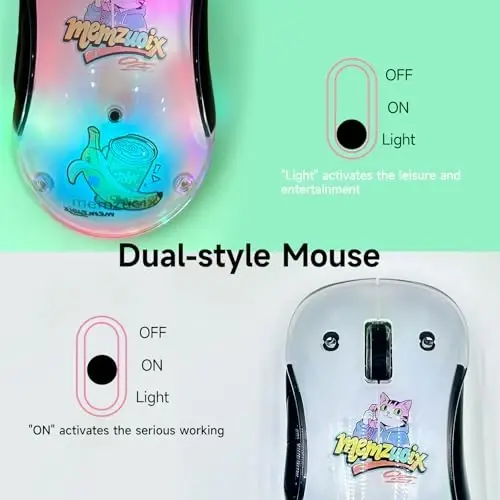
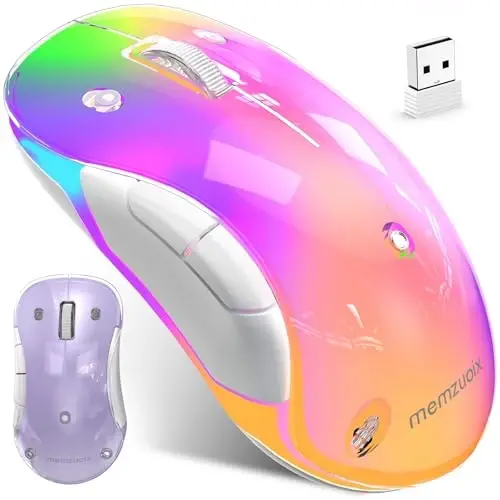
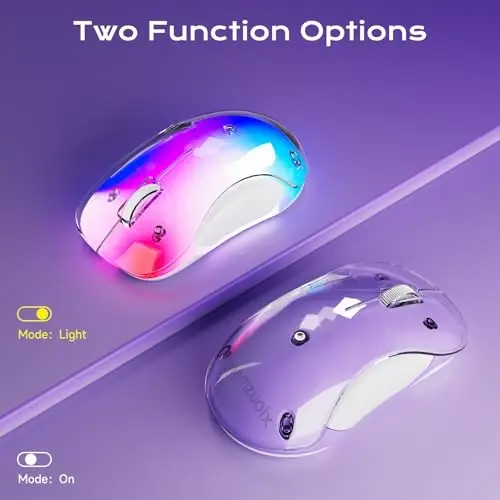
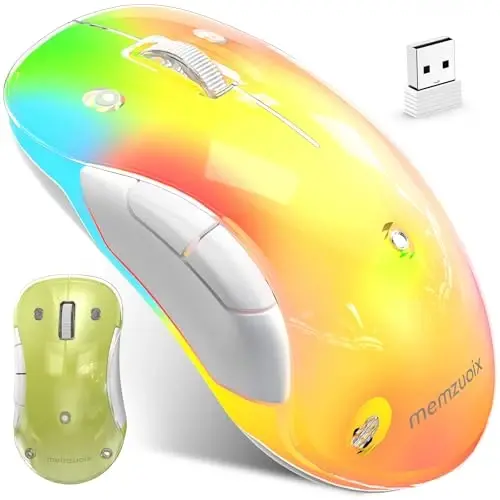
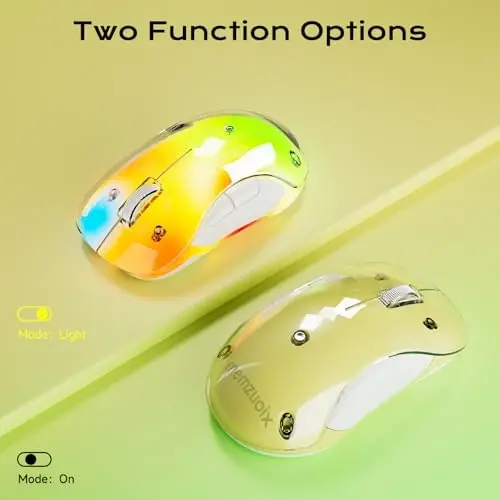
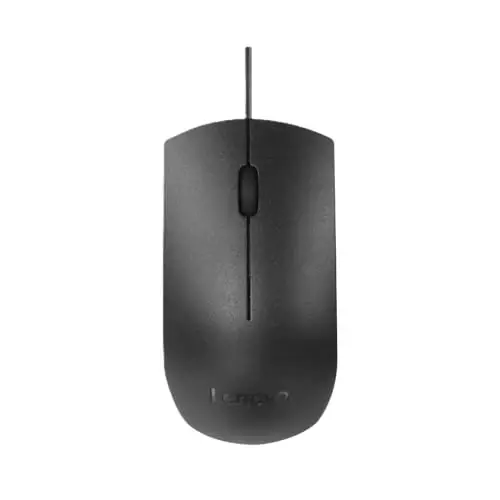
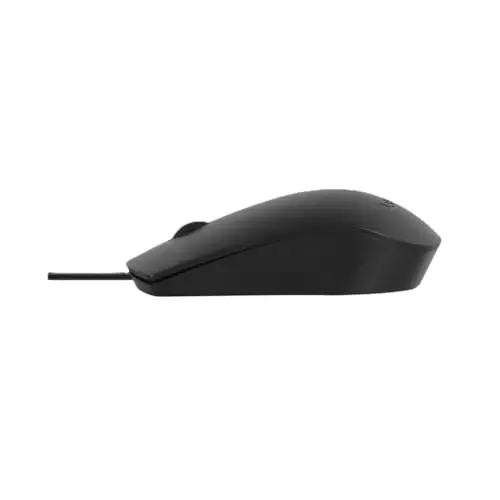
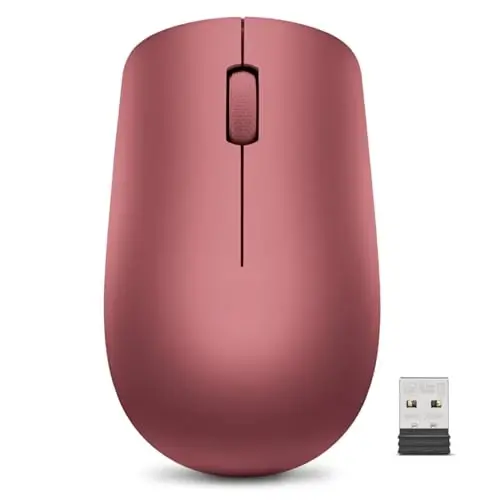
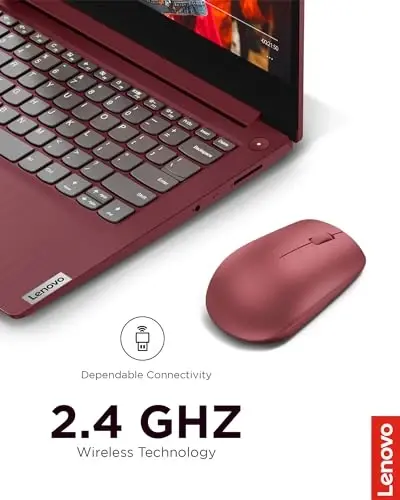
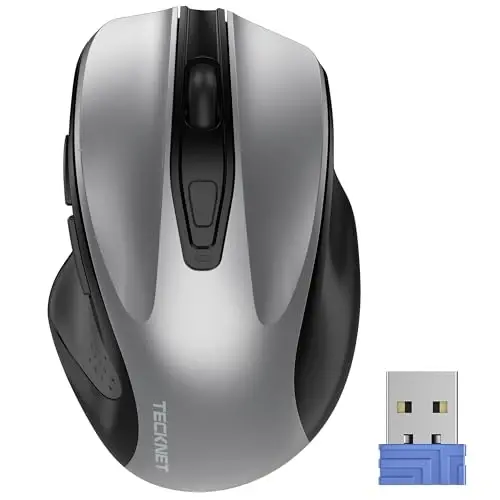
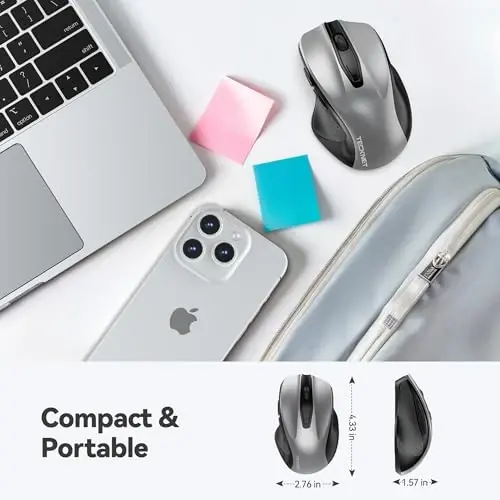
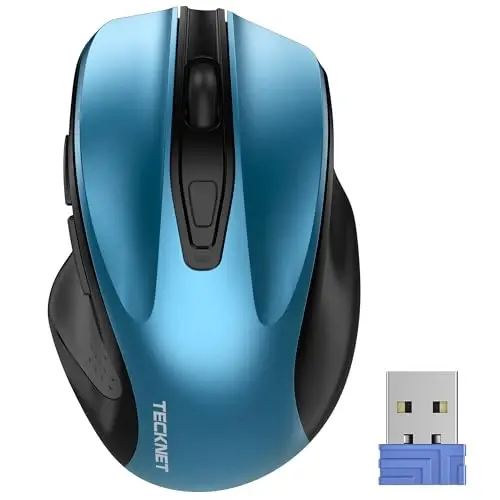
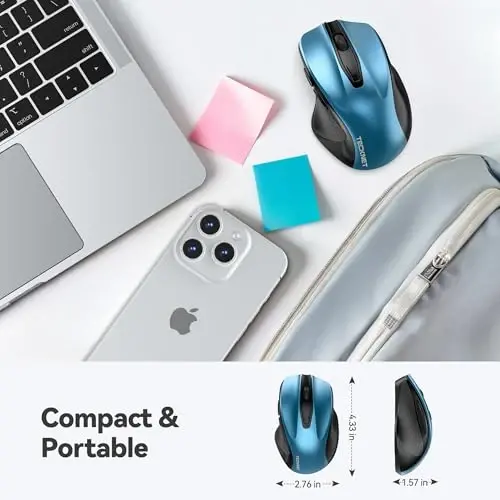
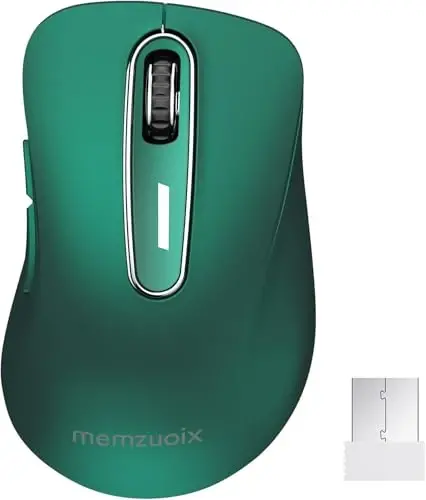
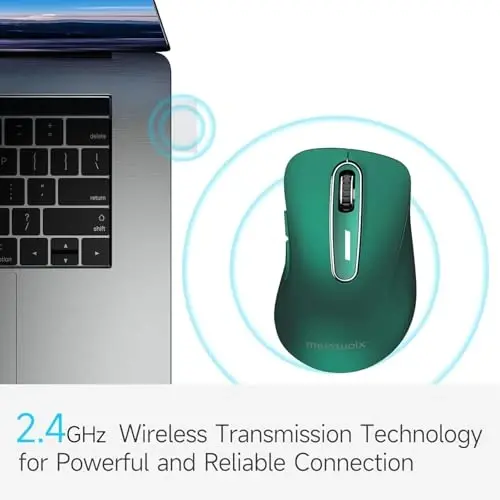
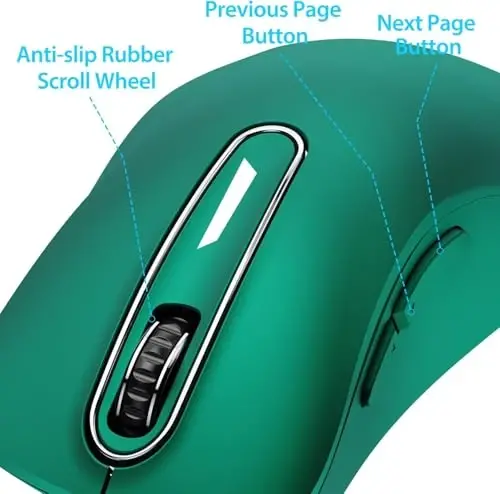
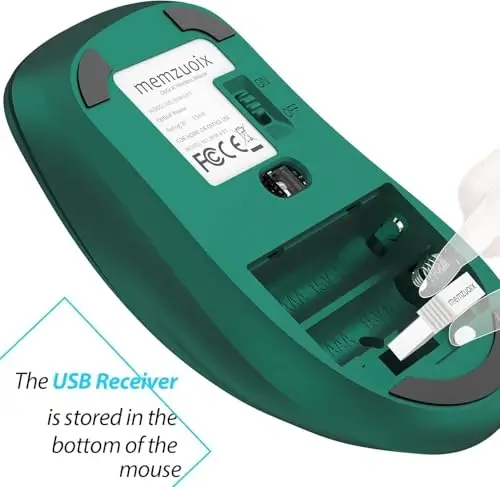
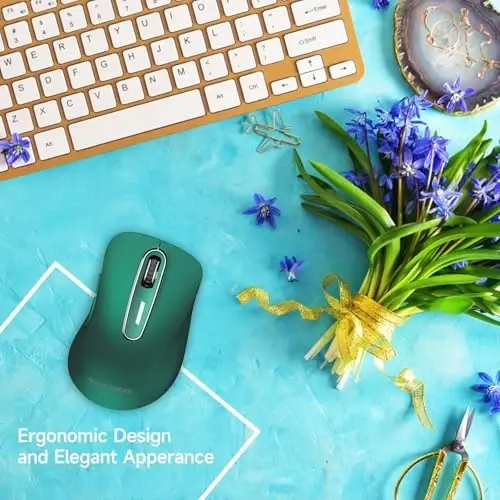
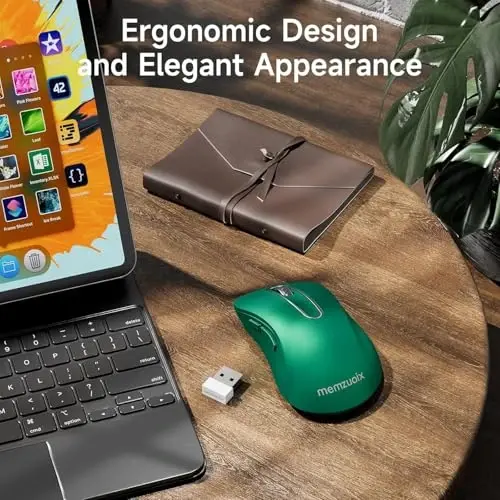
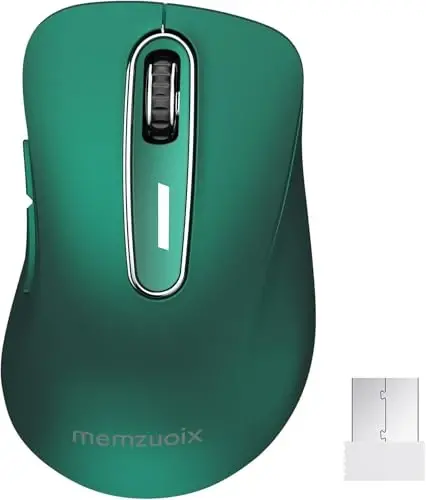
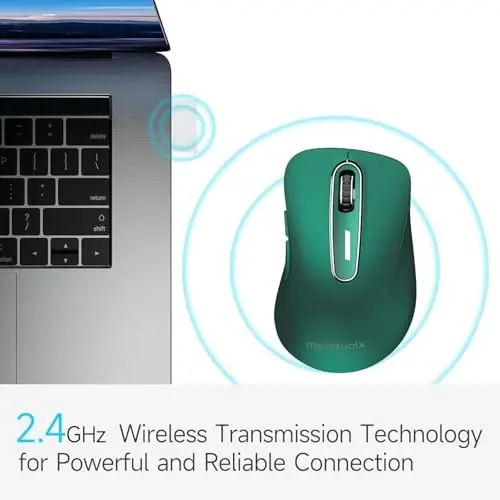
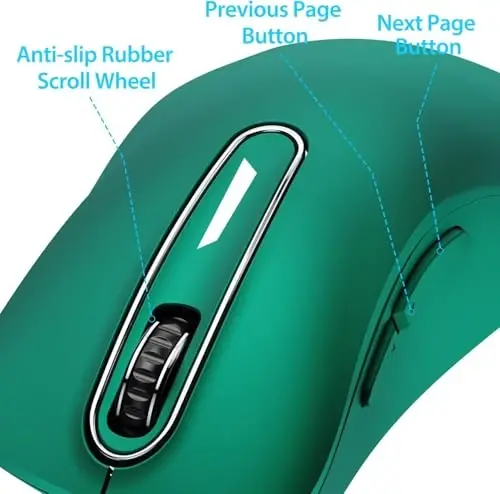
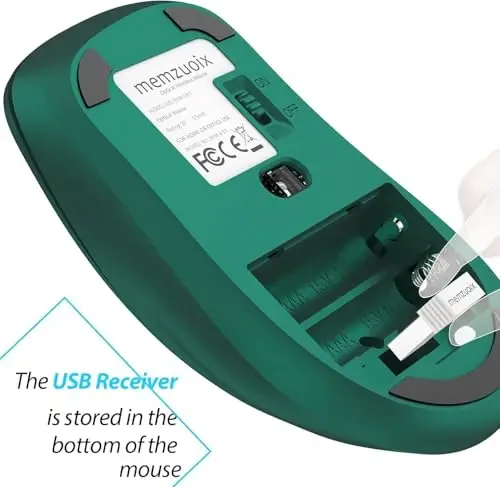
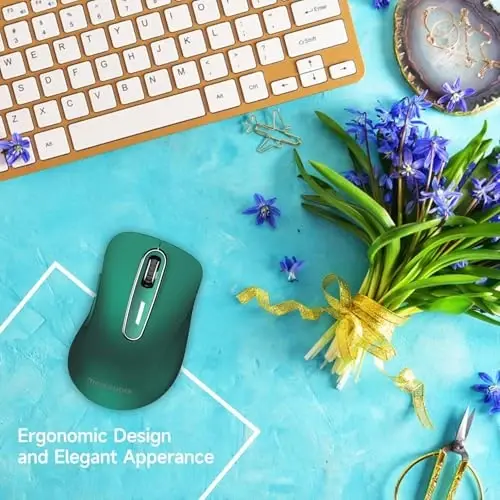
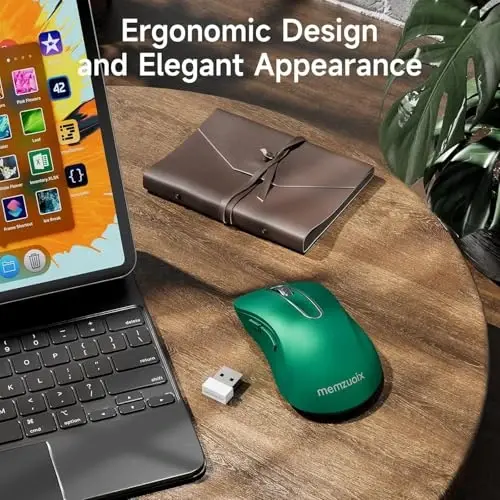
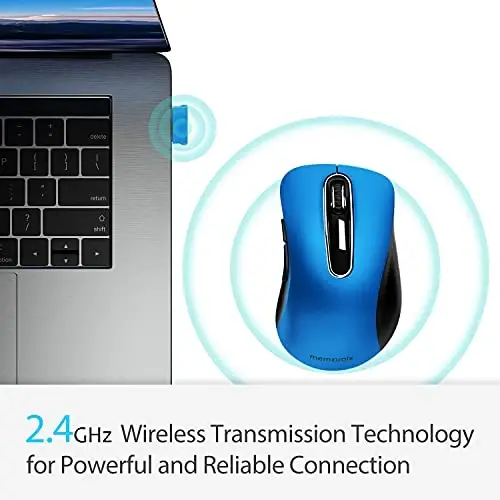
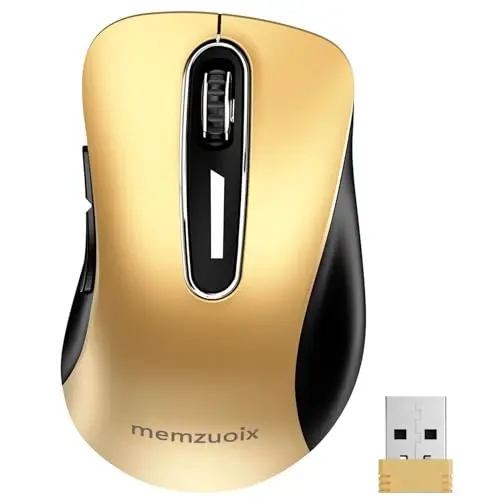
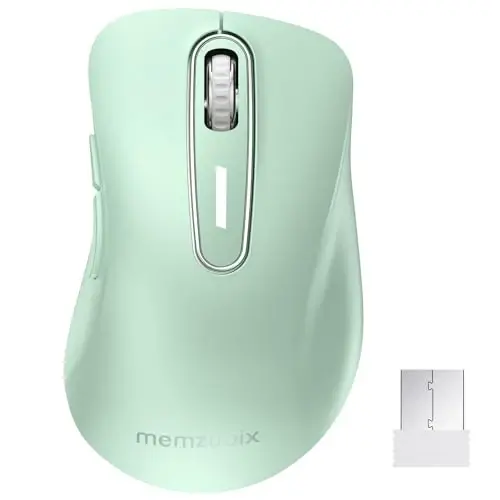
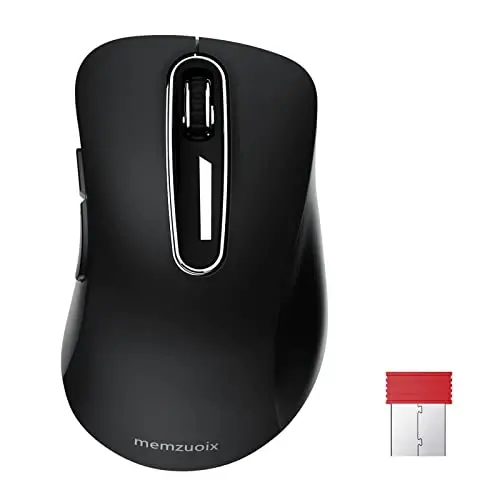
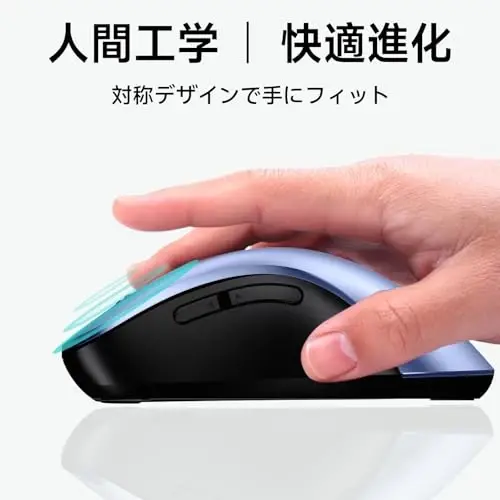
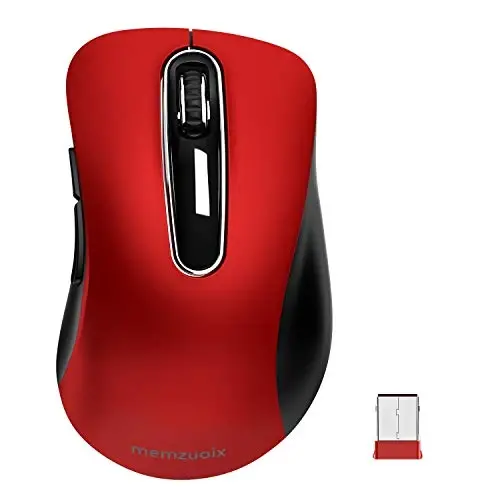
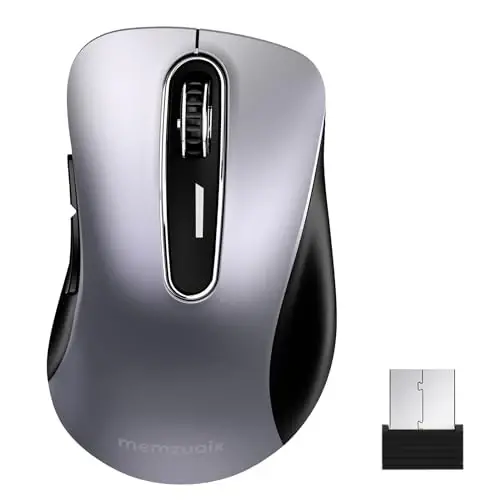
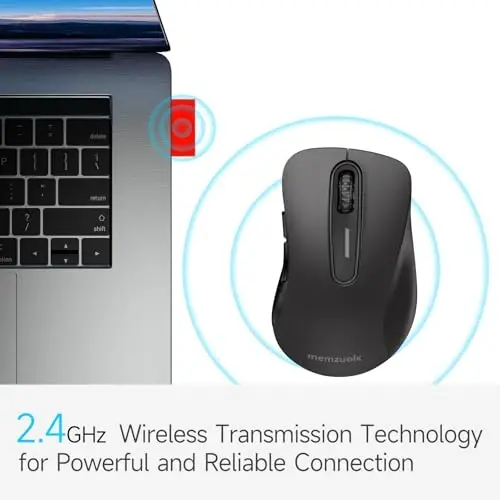
Memzuoix 2.4G Wireless Mouse ile kablosuz özgürlüğün ve üstün konforun tadını çıkarın. Bu şık ve ergonomik tasarımlı fare, modern görünümü ve sunduğu rahatlıkla bilgisayar deneyiminizi bir üst seviyeye taşıyacak. İster evde, ister ofiste, ister seyahatte olun, bu taşınabilir kablosuz fare her zaman yanınızda olacak. Memzuoix 2.4G Wireless Mouse, elinize mükemmel bir şekilde oturur ve uzun süreli kullanımlarda bile rahatlık sağlar. Terlemeyi önleyen ve cilt dostu yüzeyi sayesinde, her dokunuşunuzda keyif alacaksınız. Özellikle yüzük ve küçük parmaklarınız için tasarlanmış özel destek bölgeleri, ekstra konfor sunar. Sağlam ve kaymaz kauçuk kaplı kaydırma tekerleği, belgeler arasında gezinmeyi veya web sayfalarını kaydırmayı kolaylaştırır. Tak ve Çalıştır özelliği sayesinde kurulumla uğraşmanıza gerek kalmaz. USB alıcısını (pil bölmesinin içinde bulunur) çıkarın, pilleri takın ve fareyi kullanmaya başlayın. 2.4GHz kablosuz teknolojisi, 13 metrelik (43 feet) mesafeye kadar güçlü ve güvenilir bir bağlantı sağlar. Bu sayede, bilgisayarınızdan uzakta olsanız bile kesintisiz bir şekilde çalışabilirsiniz. Enerji tasarrufu özelliği sayesinde, pil ömründen tasarruf edebilirsiniz. Açma/Kapama düğmesi, fareyi kullanmadığınız zamanlarda kapatarak pil tüketimini azaltmanıza yardımcı olur. Ayrıca, 7 dakika boyunca kullanılmadığında otomatik olarak uyku moduna geçer ve herhangi bir tuşa tıklayarak tekrar aktif hale gelir. Memzuoix wireless mouse, günlük işlerinizde verimliliğinizi ve etkinliğinizi artırmak için tasarlanmıştır. 5 adet tuşu ile size ek fonksiyonlar sunar.6.000.000'dan fazla tuş vuruşu testinden geçirilmiş olup uzun ömürlü ve dayanıklıdır. Geniş uyumluluk özelliği sayesinde, Windows, Mac ve Linux işletim sistemlerinde sorunsuz bir şekilde kullanabilirsiniz. Sadece Linux kullanıcılarının çekirdek gereksinimlerinden dolayı ilgili yazılımları ayarlaması gerekebilir. Unutmayın, Mac işletim sisteminde ileri ve geri tuşları tanınmayabilir. Memzuoix 2.4G Wireless Mouse, modern tasarımı, konforu, kullanım kolaylığı ve dayanıklılığı ile beklentilerinizi karşılayacak bir üründür.
Ürün Özellikleri
Ek Bilgiler
Ürünü kullanmadan önce USB alıcısını (pil bölmesinin içinde) çıkarın ve 2 adet AAA pili (dahil değildir) takın. Linux kullanıcıları, çekirdek gereksinimlerine göre ilgili yazılımları ayarlamalıdır. Mac işletim sisteminde ileri ve geri tuşları tanınmayabilir.
 MEMZUOIX
 %100 Orijinal Ürün
 %100 Güvenli Ödeme
 14 Gün İçinde İade İmkanı
 7-10 İş Gününde Teslimat
 Benzer Ürünler
Bu ürünün benzerleri!
Benzer Ürünler
Bu ürünün benzerleri!
 Kombini Tamamla
Kombin ürünlerini gör!
Kombini Tamamla
Kombin ürünlerini gör!
 Ürün Yorumları
Yorumları görün!
Ürün Yorumları
Yorumları görün!

 Whatsapp Destek
 Telegram Destek

 Beden Tablosu